Apple Watch Step Tracking: The Complete Guide for 2026
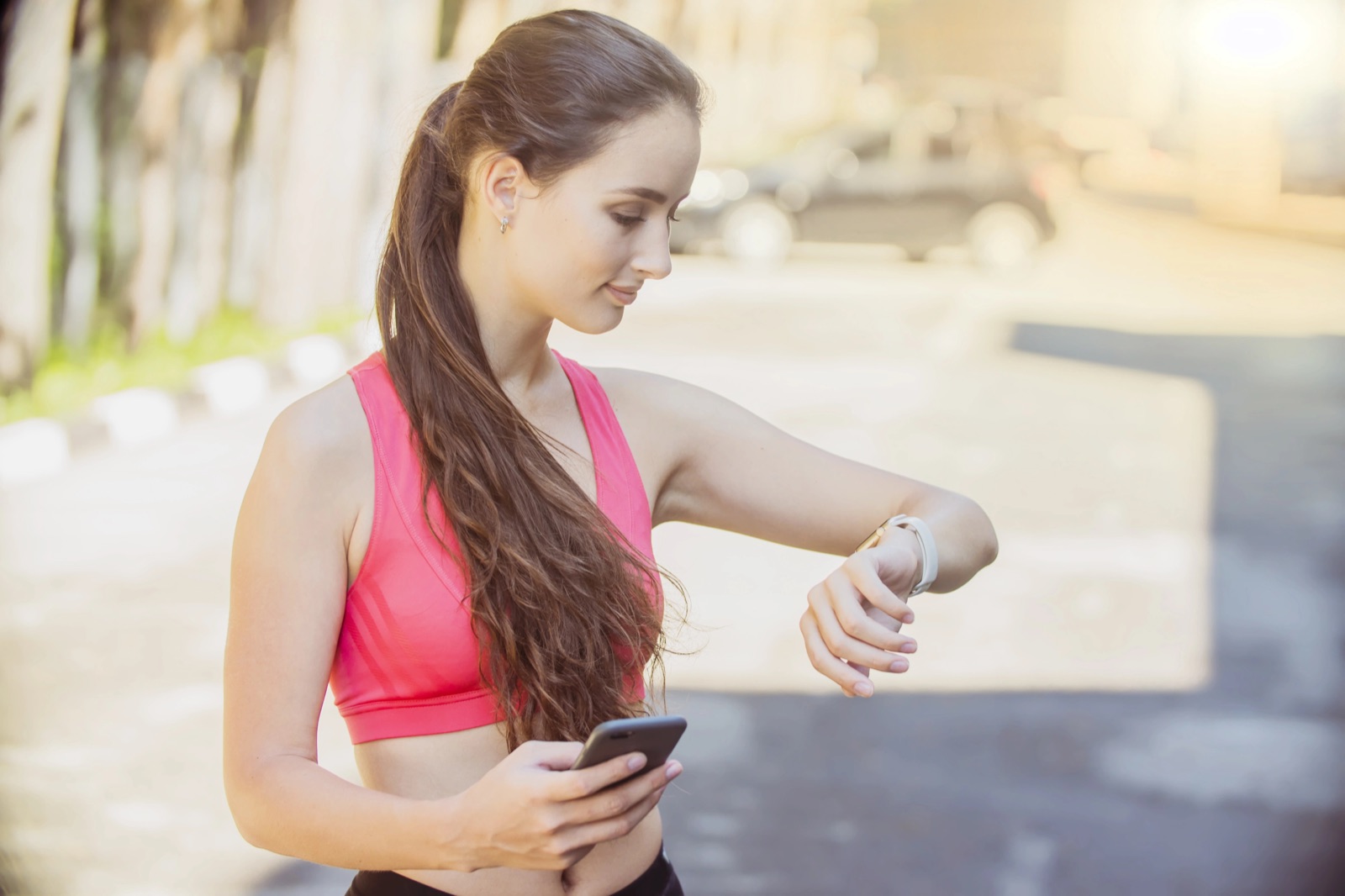
Apple Watch Step Tracking: The Complete Guide for 2026
Your Apple Watch is one of the most accurate step tracking devices available. It uses a combination of accelerometers, gyroscopes, and GPS to count your steps throughout the day — whether you’re walking, running, or just moving around the house.
But there’s a lot more to Apple Watch step tracking than just watching numbers go up. This guide covers everything you need to know to get the most from your daily step data.
How Apple Watch Counts Your Steps
The Apple Watch uses multiple sensors to track your movement:
Accelerometer
The primary step-counting sensor. It measures acceleration forces in three dimensions (x, y, z) to detect the rhythmic arm swing pattern associated with walking and running.
Gyroscope
Measures rotational movement, helping the watch distinguish between actual steps and other arm movements (like gesturing during a conversation).
GPS (Outdoor Walking)
When walking outdoors, GPS data helps calibrate your stride length for more accurate step and distance measurements.
Motion Coprocessor
A dedicated low-power chip that continuously processes sensor data, even when the watch display is off. This is why your Apple Watch can track steps all day without draining the battery.
How Accurate Is Apple Watch Step Counting?
Research published in peer-reviewed journals has found that Apple Watch step counting is generally accurate within 1-5% for walking at normal speeds. Here’s what affects accuracy:
Factors That Improve Accuracy
- Snug fit on the wrist (not too loose)
- Outdoor walks with GPS calibration
- Normal walking speed (2-4 mph)
- Updated watchOS (Apple regularly improves algorithms)
Factors That May Reduce Accuracy
- Pushing a stroller or shopping cart — limits arm swing
- Carrying bags in both hands — restricts wrist movement
- Very slow shuffling — may not register as steps
- Desk work with hand movements — can occasionally add phantom steps
How to Calibrate Your Apple Watch
For the most accurate step and distance tracking:
- Open the Workout app on your Apple Watch
- Select Outdoor Walk
- Walk at your normal pace for at least 20 minutes in an open area with clear GPS signal
- End the workout
This calibrates your stride length, which improves step counting accuracy for all future tracking.
Where to See Your Steps on Apple Watch
Method 1: Activity App
Open the Activity app on your Apple Watch, then scroll down past the rings to see your total steps, distance, and floors climbed.
Method 2: Watch Face Complication
The fastest way to check steps is with a complication on your watch face. Third-party apps like StepMelon provide complications that show your live step count.
Method 3: Health App on iPhone
Open the Health app on your iPhone, go to Browse > Activity > Steps to see detailed step data with hourly breakdowns and historical charts.
Method 4: Step Tracking App
Dedicated step apps provide the best experience with real-time tracking, goal progress, streaks, and analytics. StepMelon shows your steps with progress toward three customizable goals.
Apple Watch Step Tracking vs. iPhone
Your Apple Watch and iPhone both count steps, and the numbers may differ slightly. Here’s why:
- Apple Watch counts steps based on wrist movement and sensors
- iPhone counts steps based on pocket/bag movement and its own accelerometer
- Apple Health intelligently merges data from both, prioritizing the Apple Watch when worn
If you wear your Apple Watch all day, it will be your primary step source. The iPhone fills in gaps when the watch isn’t worn.
Setting Step Goals on Apple Watch
Apple’s Built-in Goals
The native Activity app doesn’t have a dedicated step goal. It focuses on Move (calories), Exercise (minutes), and Stand (hours). While these are valuable metrics, many people prefer tracking steps as their primary fitness measure.
Using a Step Tracking App
For proper step goals, you’ll want a dedicated app. When choosing one, consider:
- Goal flexibility — can you customize your daily target?
- Multiple goals — does it support different levels of achievement?
- Rest days — does it account for recovery?
- Progress visualization — can you see your progress at a glance?
StepMelon offers three customizable goals (minimum, target, stretch) with built-in rest days, making it easy to set achievable targets that grow with your fitness level.
Getting More from Your Step Data
Track Trends, Not Just Daily Numbers
A single day’s step count doesn’t tell you much. What matters is the trend over weeks and months. Look for:
- Weekly averages — are they increasing over time?
- Consistency — do you walk regularly, or have big gaps?
- Peak days — what activities generate the most steps?
- Rest patterns — are you taking enough recovery time?
Use Smart Insights
Some step tracking apps analyze your data and provide actionable insights. StepMelon’s Smart Insights feature includes:
- Pace projection — will you hit your goal at your current pace?
- Streak analysis — how your current streak compares to your best
- Weekly comparison — how this week compares to last
- Rest day suggestions — when to take a break based on your activity
Export Your Data
If you want to analyze your step data in a spreadsheet or share it with a healthcare provider, look for apps that support data export. StepMelon exports your full step history as CSV or JSON files from the iOS companion app.
Apple Watch Step Tracking Tips
For Better Accuracy
- Wear your watch on the wrist you set up in the Watch app
- Calibrate with a 20-minute outdoor walk
- Keep your watch snug but comfortable
- Update to the latest watchOS
For More Steps
- Set a step goal that works for you
- Add a step complication to your watch face
- Take walking breaks every hour
- Walk after meals
- Use stairs instead of elevators
For Better Motivation
- Use multiple goals so every day feels like a win
- Take rest days when you need them
- Share your achievements with friends
- Review your weekly trends for positive reinforcement
- Celebrate milestones (your first 1,000-step day, first streak, etc.)
Supported Apple Watch Models
Step tracking works on all Apple Watch models, but newer models have improved sensors. For the best experience with third-party step tracking apps like StepMelon, you’ll need:
- Apple Watch Series 4 or newer
- Apple Watch SE (1st or 2nd generation)
- Apple Watch Ultra (1st or 2nd generation)
- watchOS 10.0 or later
Privacy and Step Data
Your step data is personal health information. Apple Watch stores it locally and in Apple Health on your iPhone. When choosing a step tracking app, pay attention to their privacy policy.
StepMelon keeps detailed history on your devices and uses personal iCloud for selected device sync. Optional account-based Social securely syncs profile, relationships, and daily summaries for the friends and private groups you authorize. Read our privacy policy for full details.
References
-
Fokkema, T., et al. (2018). “Tracking Steps on Apple Watch at Different Walking Speeds.” Journal of Sports Sciences. https://pmc.ncbi.nlm.nih.gov/articles/PMC5975150/
-
Fuller, D., et al. (2020). “Reliability and Validity of Commercially Available Wearable Devices for Measuring Steps, Energy Expenditure, and Heart Rate.” JMIR mHealth and uHealth. https://pmc.ncbi.nlm.nih.gov/articles/PMC6318183/
Get the most from your Apple Watch step tracking. Download StepMelon — free on the App Store with multiple goals, rest days, and smart insights.