Your Steps, Bigger Screen
The iOS companion app brings your Apple Watch step data to life with powerful analytics, smart insights, social sharing, and full data export.

The iOS companion app brings your Apple Watch step data to life with powerful analytics, smart insights, social sharing, and full data export.
Eight powerful features that make step tracking even better on iPhone
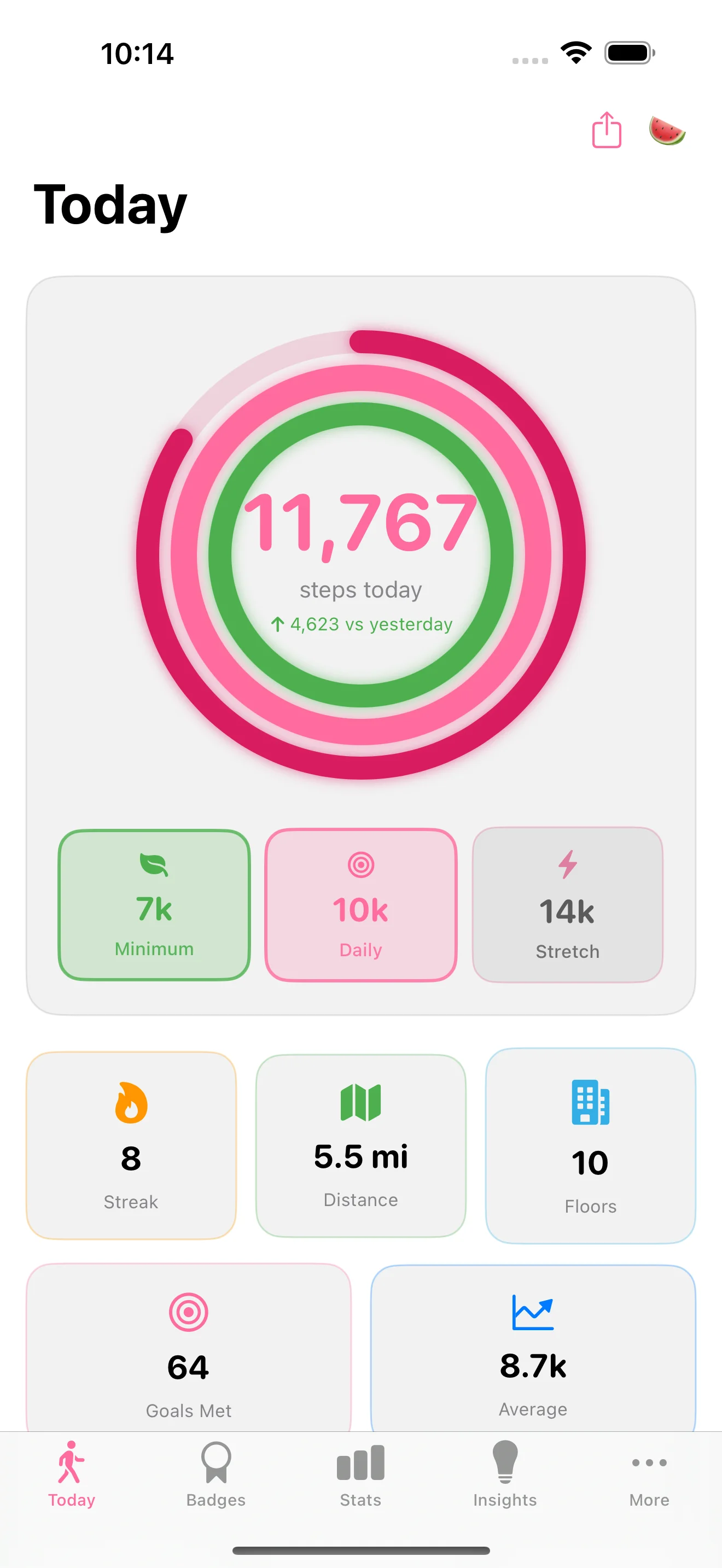
Your daily step count with progress ring, floors climbed, yesterday comparison, and one-tap sharing. Everything you need at a glance.
Daily vs workout step breakdown, floors card, and hourly timeline chart. See exactly how your day unfolded.
Multi-metric charts tracking steps, distance, and goal completion. Trend badges and best/worst day annotations.
Pace projection tells you when you'll hit your goal. Streak analysis, weekly comparison, and rest day suggestions.
Branded watermelon gradient cards for sharing your daily or weekly stats on social media. Show off your progress in style.
Export your complete step history as CSV or JSON. Full data portability - your data is always yours.
Track your progress in 6 time-limited challenges with collectible badges. Valentine's Steps, Spring Awakening, and more. Premium feature.
Share your earned badges and achievements directly from the badge collection. Show off your step milestones to friends.

Your Apple Watch collects the data. The iPhone app makes sense of it. See patterns in your activity, discover your best days, and understand your fitness trends over time.
See your step distribution across every hour of the day
Daily steps vs workout steps, clearly separated
Track your records and celebrate new achievements
StepMelon syncs seamlessly between your Apple Watch and iPhone using WatchConnectivity for real-time data and iCloud for settings and badge sync. No setup required - it just works.
The Apple Watch app works fully independently too. Use StepMelon on your watch alone during workouts, and your iPhone will have all the data when you reconnect.
Tracks steps, distance, floors in real-time
Automatic via WatchConnectivity + iCloud
Analytics, insights, sharing, export
Browse your full badge collection on the bigger screen. Tap any badge for detailed info - when you earned it, the challenge you completed, and share it with friends.
Choose light, dark, or system appearance and it syncs automatically between your Apple Watch and iPhone. No fiddling with settings on each device — set it once and forget it.
Clean and bright for daytime use
Easy on the eyes, battery friendly
Follows your device settings automatically
iOS 15.0 or later
watchOS 10.0 or later (Series 4+)
Apple Watch is required for step tracking. The iPhone app displays and analyzes your watch data.
Download StepMelon and unlock the power of both Apple Watch and iPhone